n8n ships with a large library of dedicated integration nodes, and it is tempting to learn it the way you would learn a menu — service by service, as you need them. That works, slowly. It also leaves you stuck the first time you need something the library does not cover.
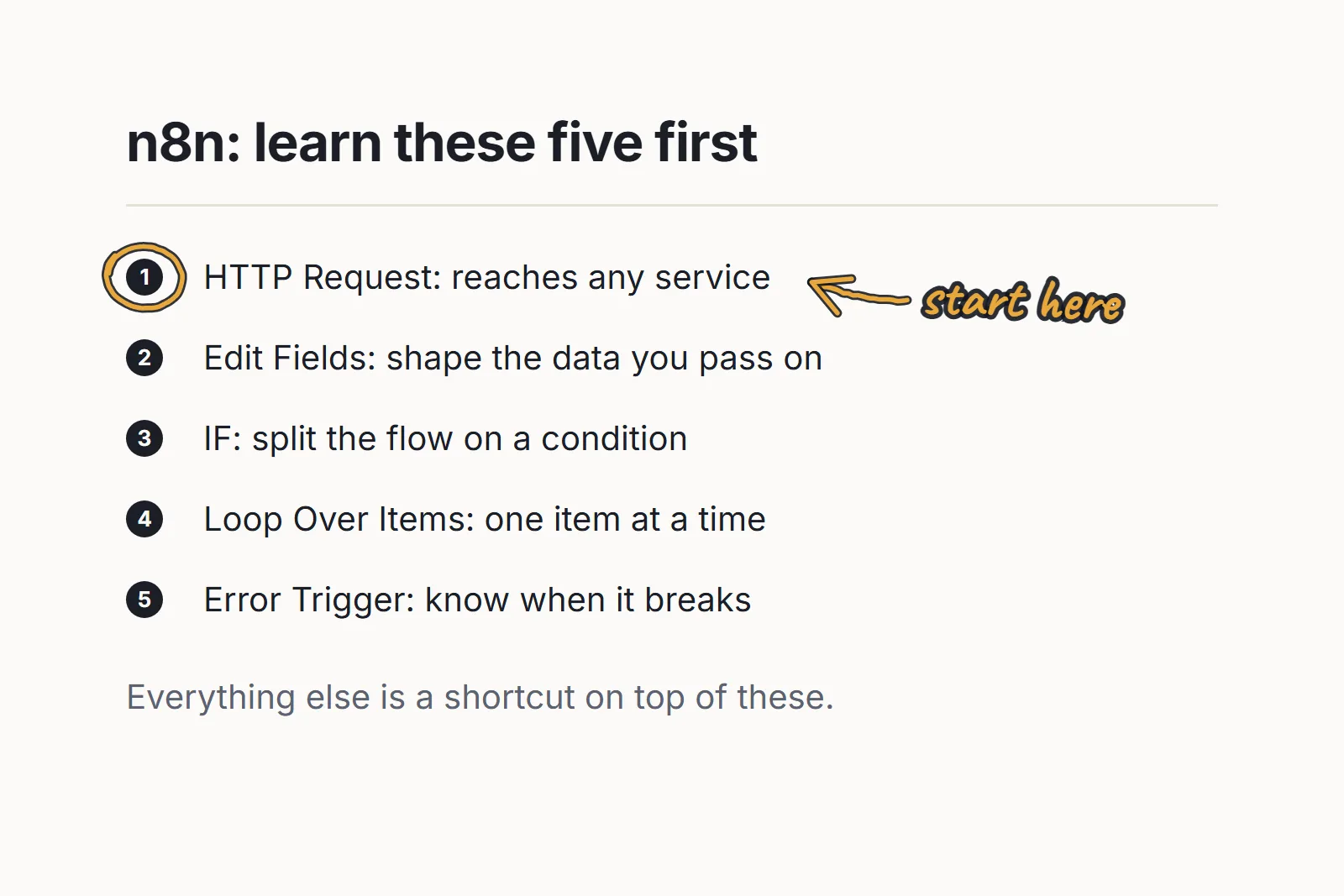
Five nodes do most of the real work. Learn these and the dedicated ones become shortcuts you can take or skip.
The order is deliberate: each one is more useful once you know the ones above it.
HTTP Request
The one that makes the others optional. Any service with a REST API is reachable from this node, whether or not n8n ships an integration for it.
Learning it means learning a little of the vocabulary underneath — methods, headers, query parameters, authentication, what a 401 means versus a 429. That is a real cost, and it is the highest-leverage thing in the entire tool. A dedicated node saves you fifteen minutes on a service that has one. HTTP Request unblocks you on every service that does not.
Learn it first, even though it is the least comfortable.
Edit Fields (Set)
Renames, reshapes and trims the data moving between nodes.
It looks like housekeeping, which is why people skip it and pass whole bloated objects down the chain. Then a workflow breaks three nodes later and they are reading through a payload with sixty keys to find the two that matter.
Used well, this node is documentation: it states, in one visible place, exactly what the next step is allowed to depend on. That makes failures local instead of mysterious.
IF
Branching. The point where a workflow stops being a script and starts being a process.
The habit worth building early is deciding what the false branch does. Not “nothing” by default — that is how records vanish without anyone noticing. Either handle it, or route it somewhere you will actually look. An empty false branch is a silent failure you have not met yet.
Loop Over Items
n8n passes items around in batches, and much of the time that is exactly what you want. Then you hit an API that rate-limits, or a step that must not run a hundred times in parallel, and you need explicit control over the batching.
This is also where the difference between “it worked on three test records” and “it worked on four thousand” shows up. Most workflows that die in production die here.
Error Trigger
The one people learn last and wish they had learned first.
Error Trigger runs a separate workflow when another one fails, which is what turns a broken automation from something you discover a week later into something that tells you. Without it, a scheduled workflow that starts failing silently just… stops producing output, and nobody notices until the absence becomes obvious.
If you automate anything unattended, build this before you need it. It is the difference between automation you can trust and automation you have to keep checking — and checking it manually defeats the entire point.
Written by Marvin
I build AI systems for SEO and automation, and share every one of them in the AI SEO Society.
Join the community